Report Viewers
Use this section when your reports are already built and your next goal is to let people run them.
Choose the viewer that matches your operating model
| If you need... | Choose |
|---|---|
| Local, individual execution with minimal setup | Lite |
| Centralized access, administration, and permissions | Enterprise |
Lite Version
Choose Lite when a single user or a small number of users need to open reports locally in the browser.
- Runs through a Chrome extension.
- Best for personal or decentralized use.
- Depends on local access to the data source used by the report.
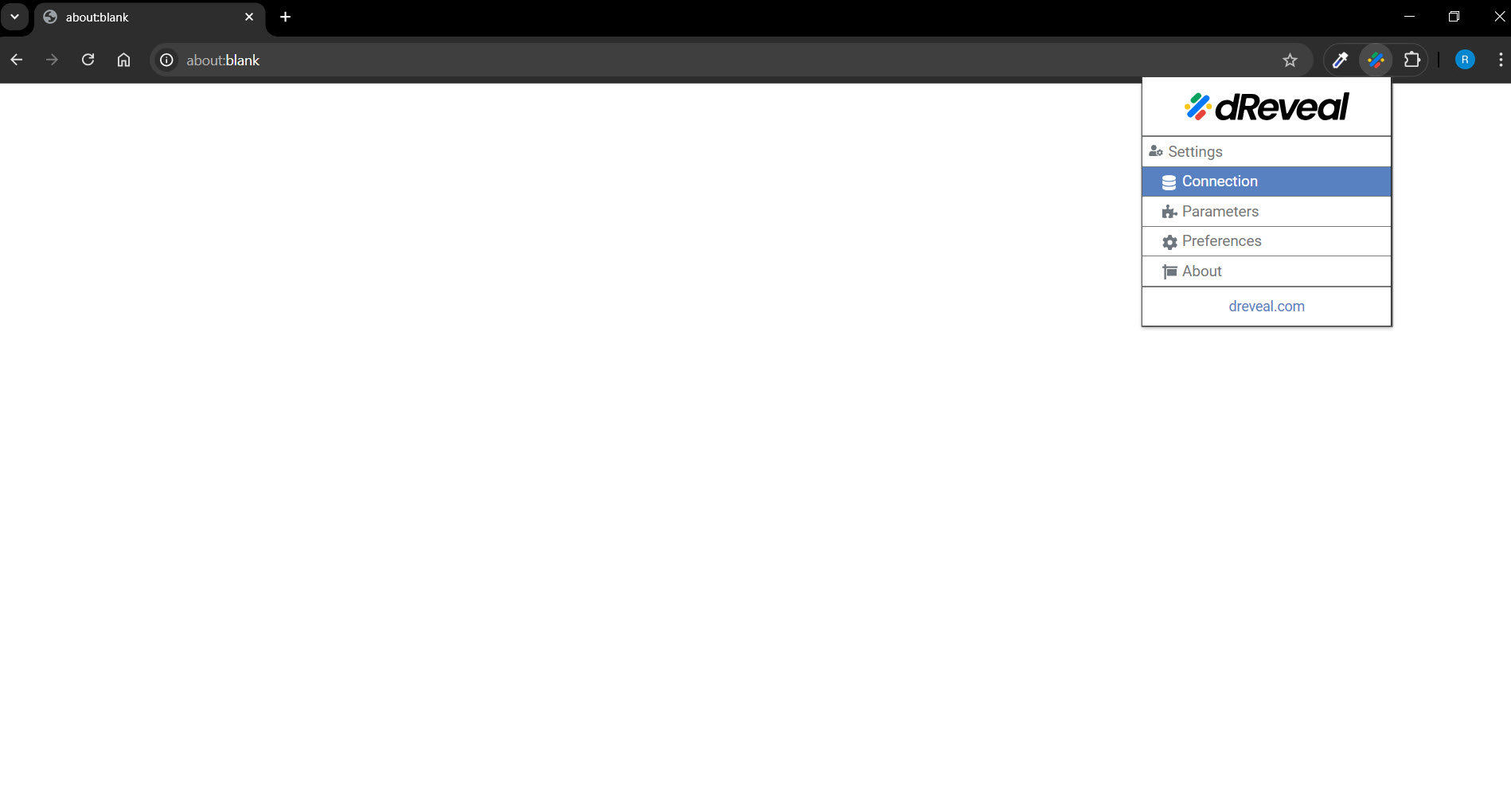
Start here:
Enterprise Version
Choose Enterprise when your organization needs a centralized reporting site with shared access, permissions, and report management.
- Runs as a hosted web application in your environment.
- Best for teams, departments, and controlled access.
- Supports administrators publishing reports and managing permissions.
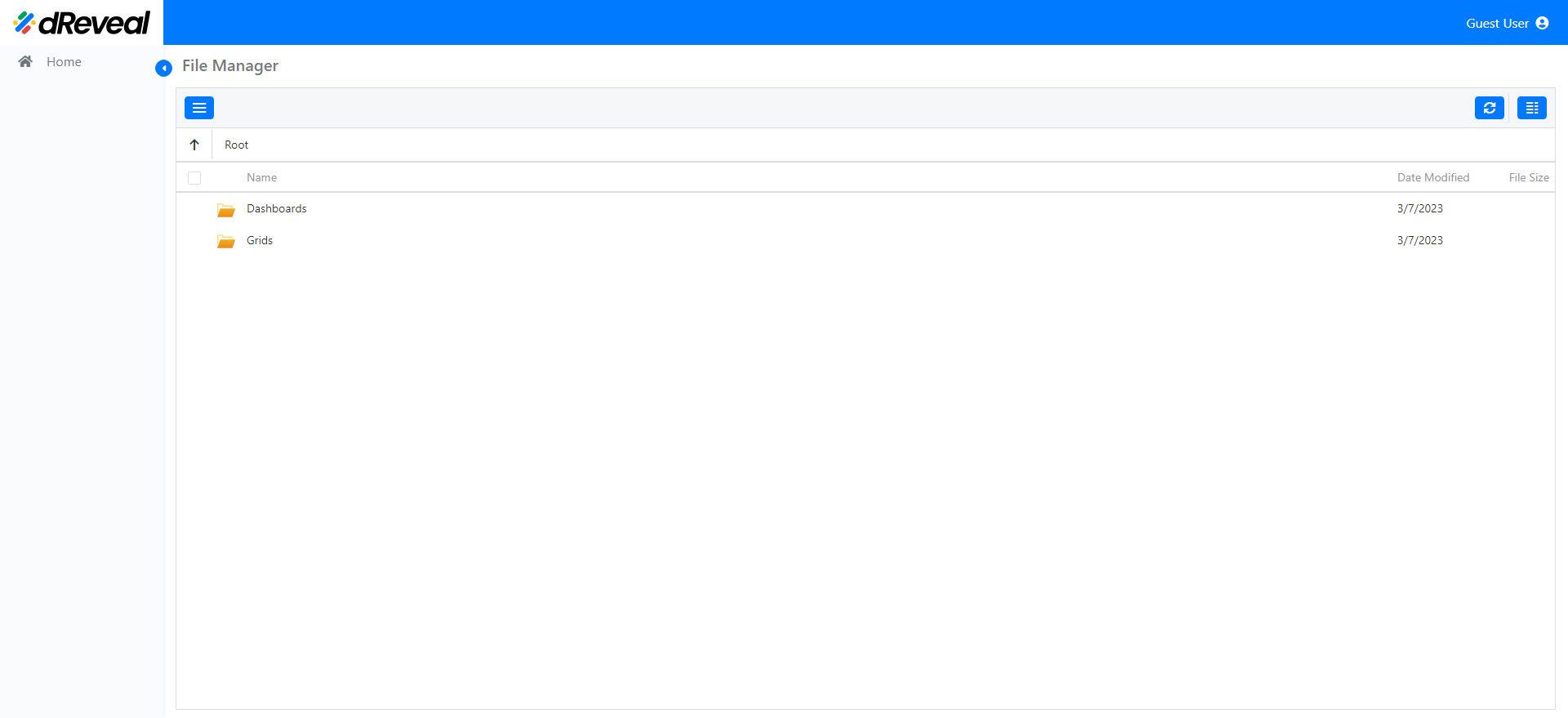
Start here:
What both viewers have in common
Both runtimes are designed to execute report files created in the Designers track. In both cases, the report authoring work happens first and the viewer experience comes afterward.
Where this fits in the full journey
If you still need to author reports, go to Build Reports.
If you need to integrate the runtime into your own ASP.NET application instead of using the standalone viewers, go to Embed Reports.
Data Source Support and Combination Rules
All dReveal products support these data sources:
- SQL Server
- PostgreSQL
- Oracle
- MySQL
- OData Service
- API Services
- Excel file
- CSV file
- JSON file
Combination rules:
- API Services, Excel file, CSV file, and JSON file can be combined together in the same source context.
- SQL Server, PostgreSQL, Oracle, MySQL, and OData Service cannot be combined with other data sources.